
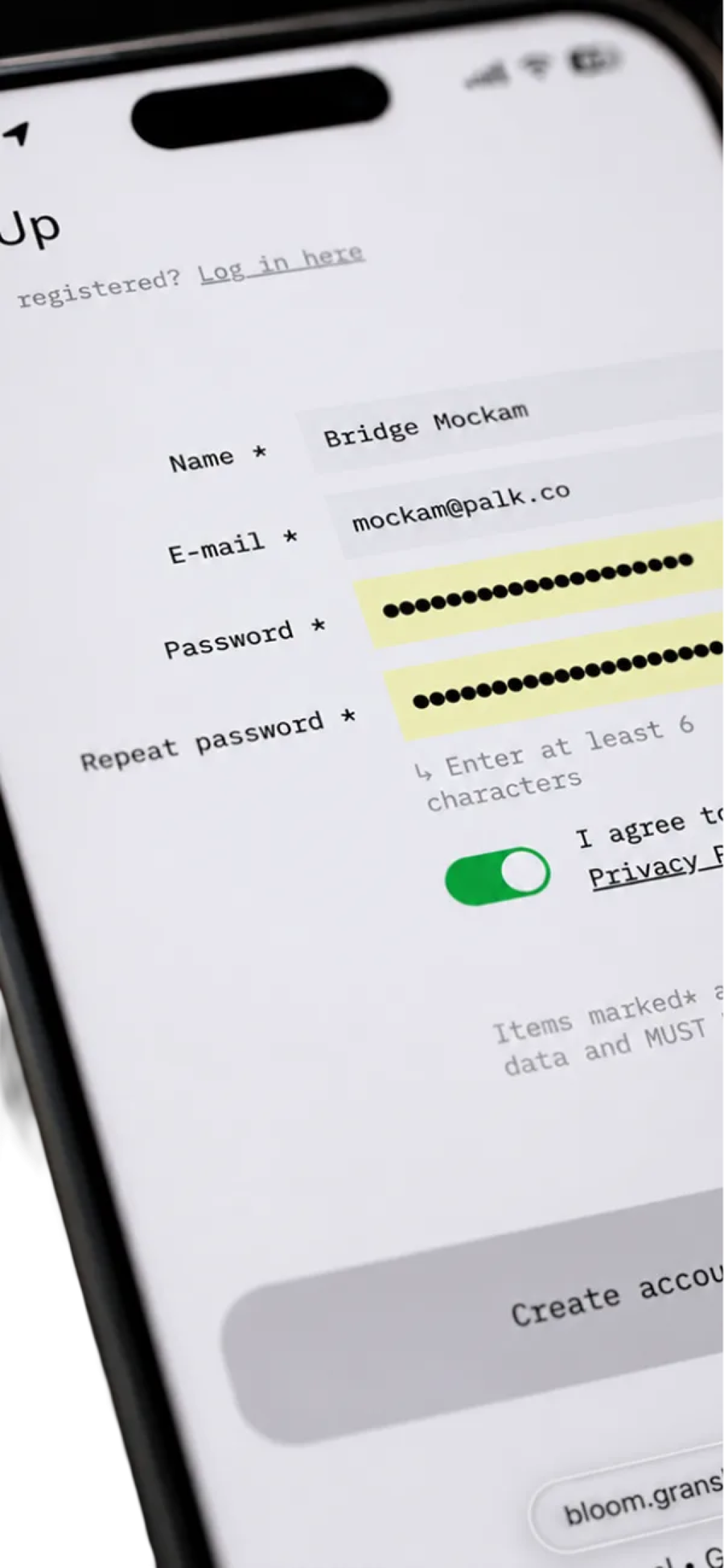
Register
Create your account.
Bloom Awards are open
Submissions close in—
Create your account.
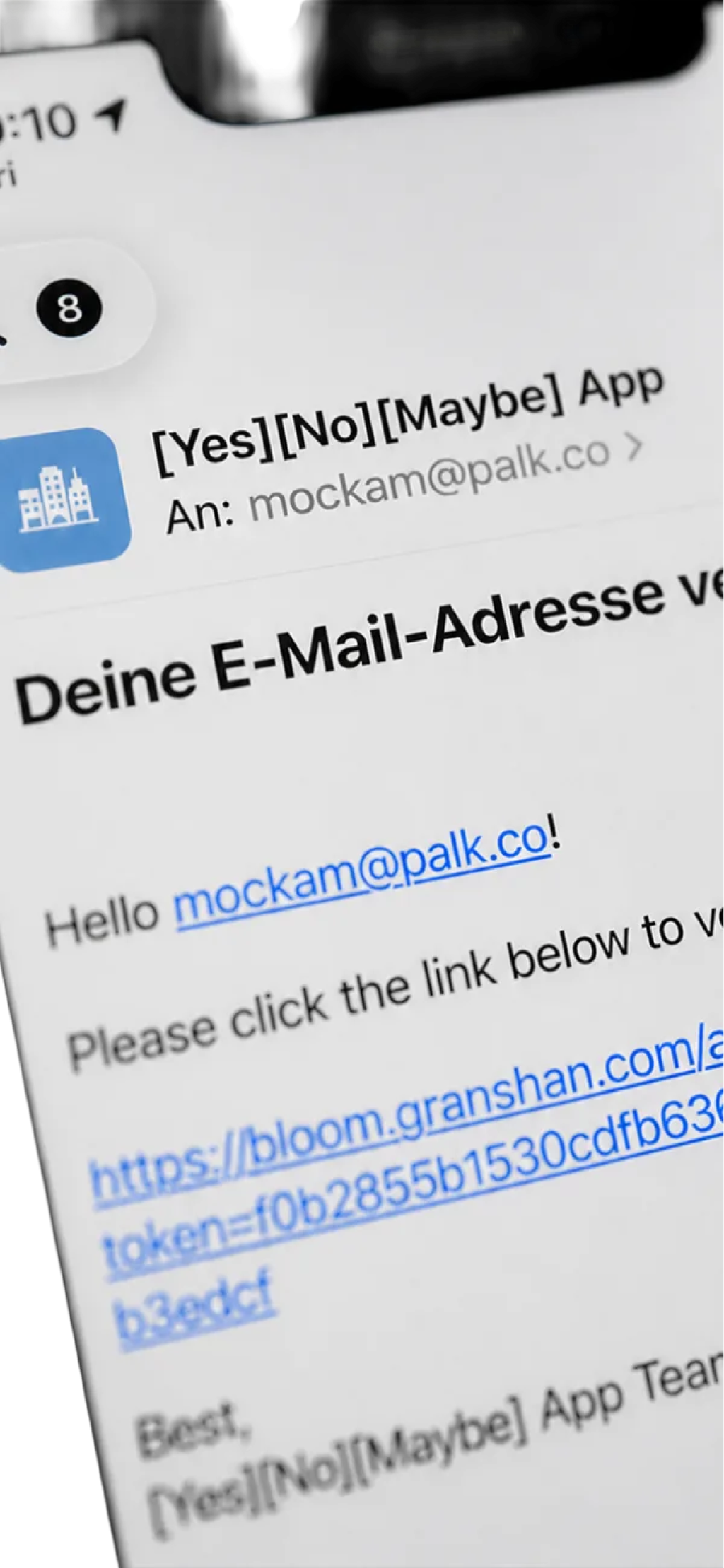
Confirm your email address.
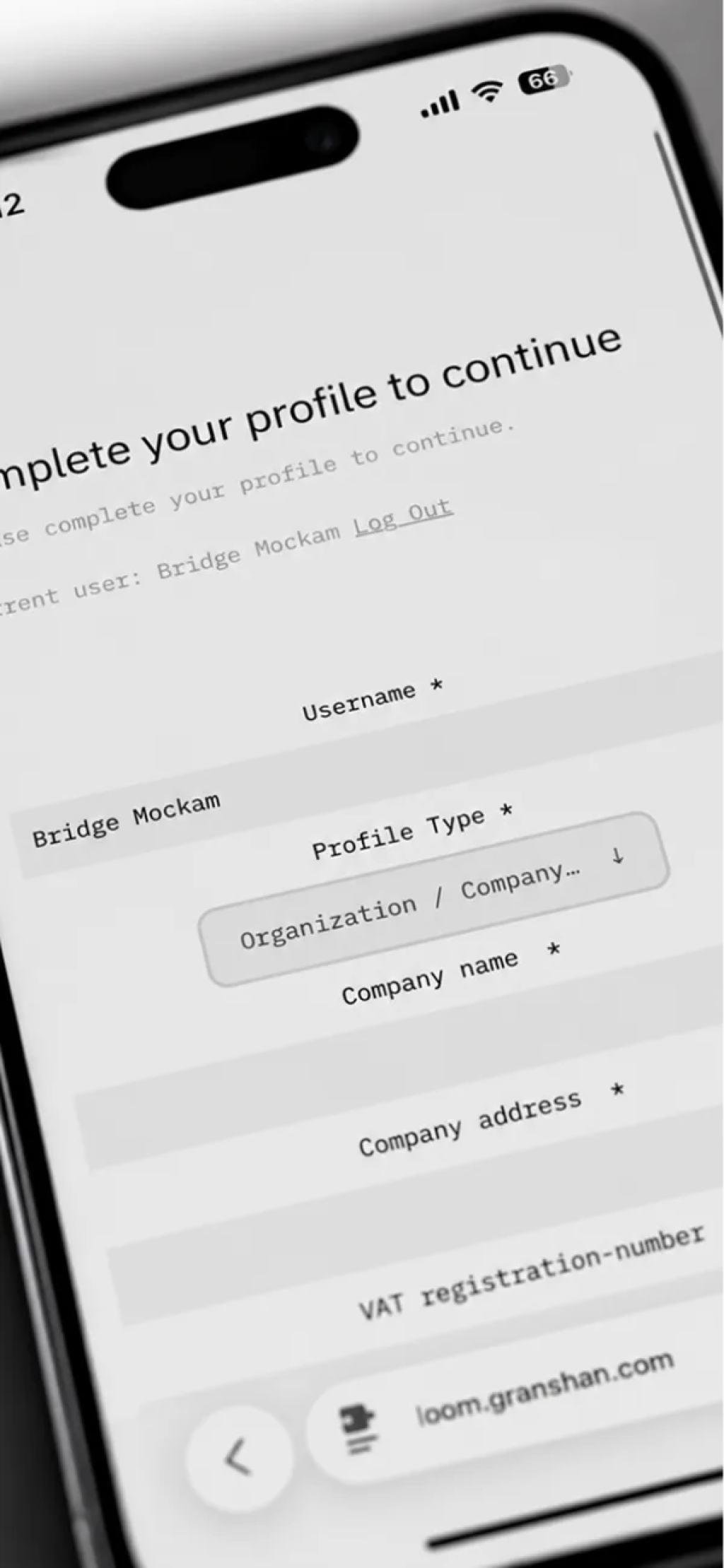
Add your details.
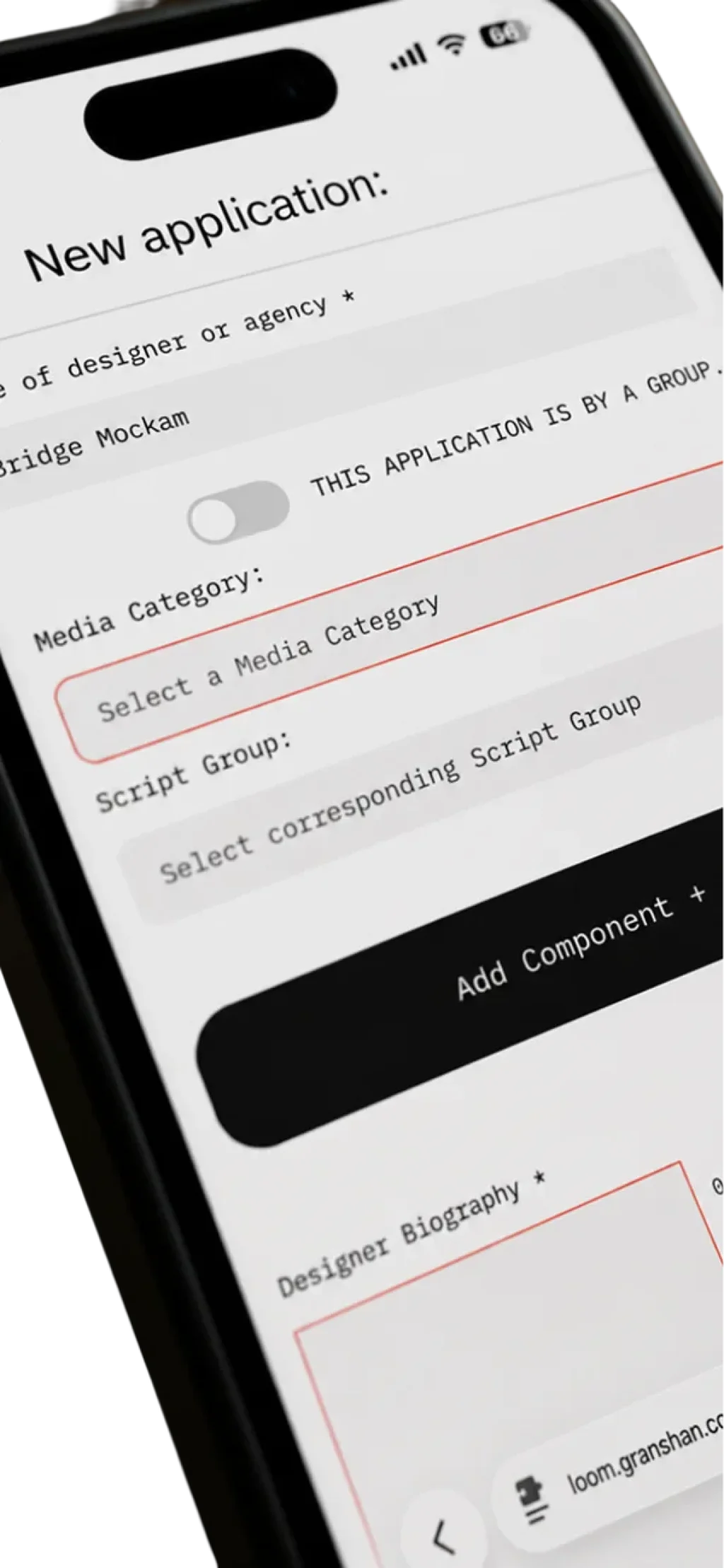
Auto saving – return at any time.
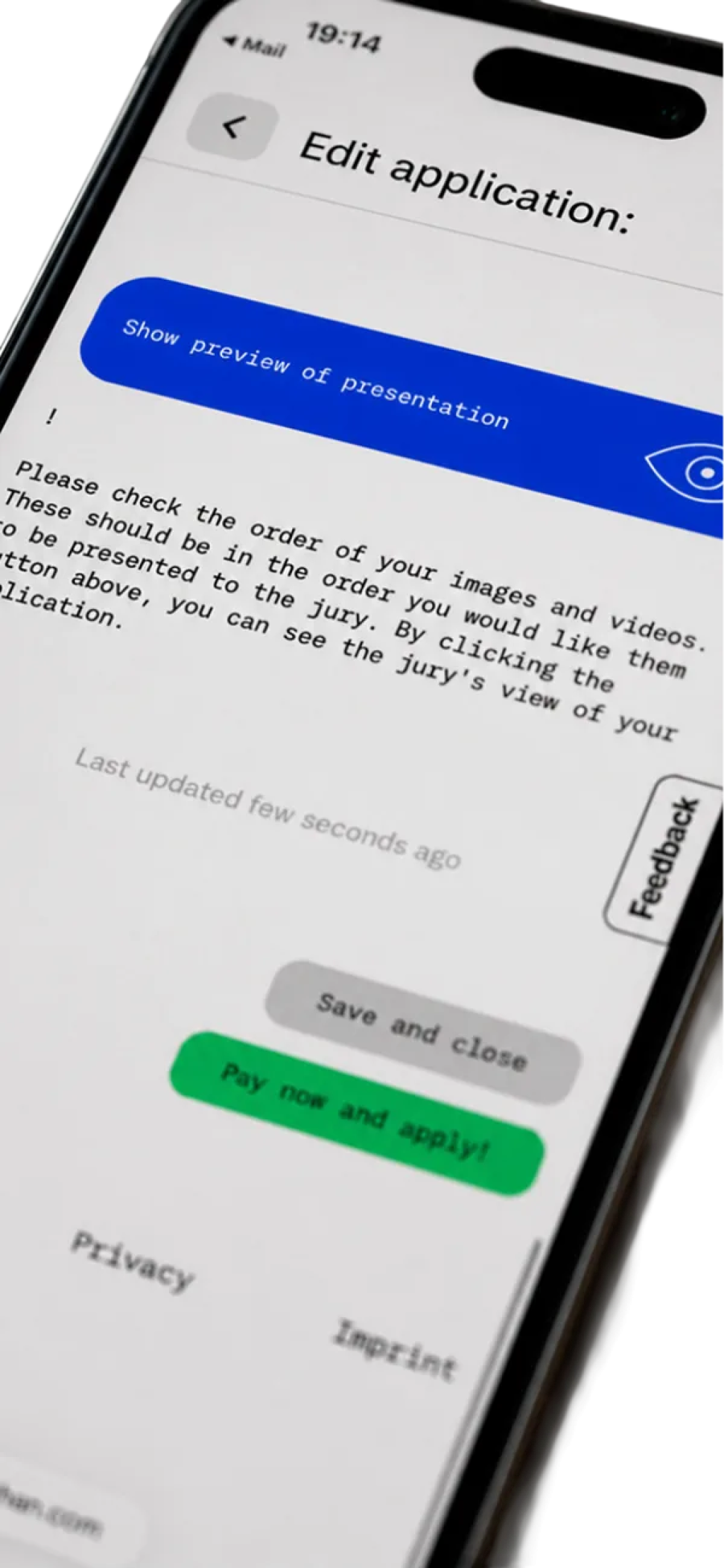
Auto saving – return anytime.
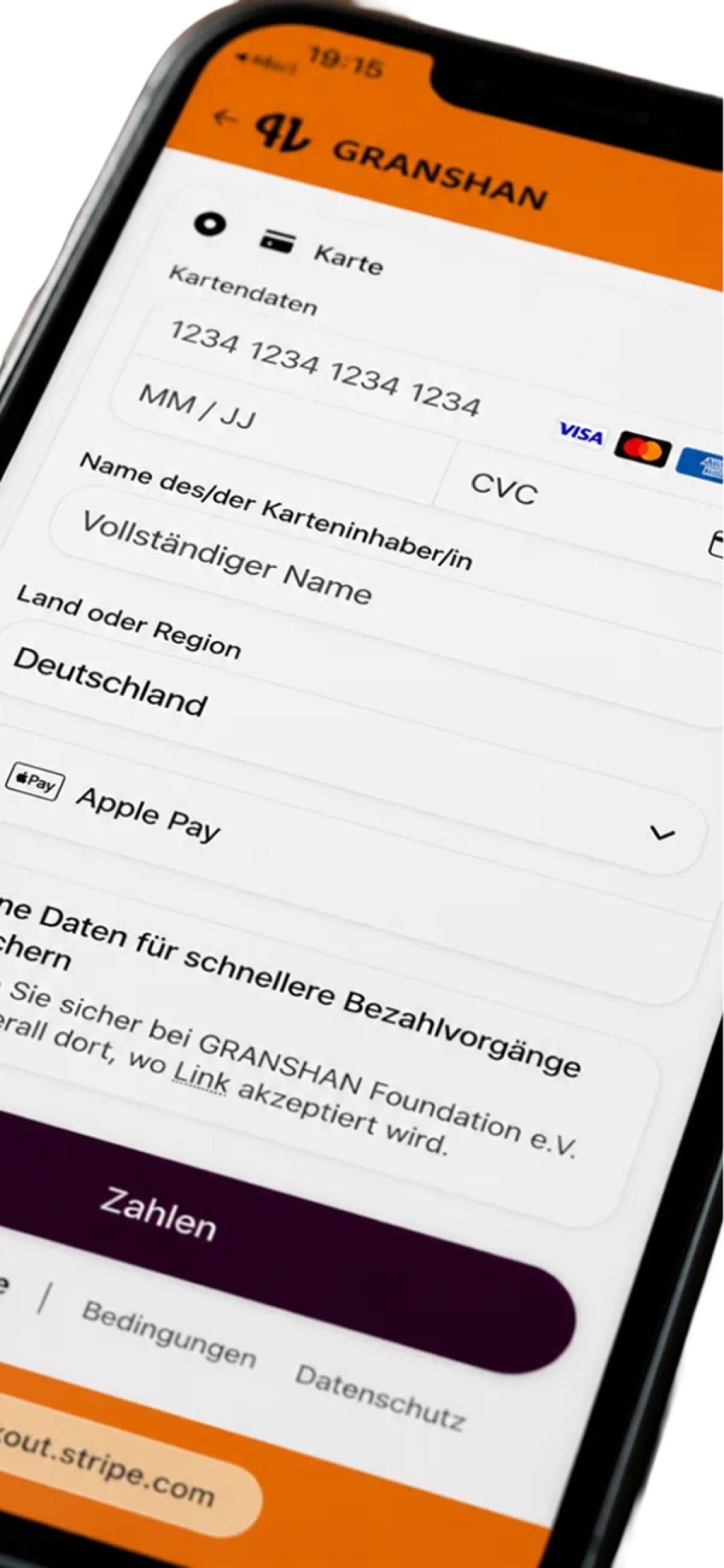
Check your work and complete payment.
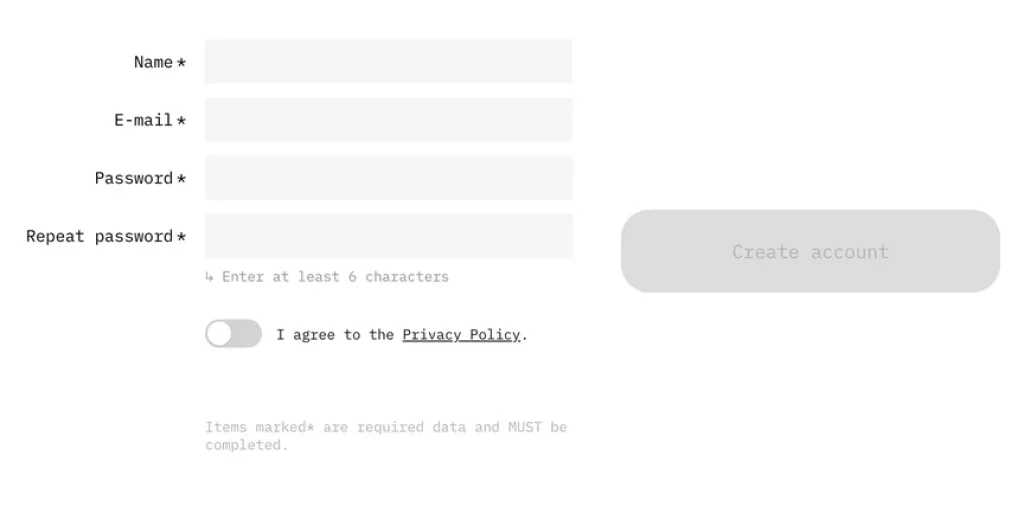
Name, e-mail and a password of at least six characters, and a tap on the privacy toggle. Free, and under a minute. You are then asked to check your inbox.
Required before your first login. The message is titled “Verify your email” and arrives from [Yes][No][Maybe] App, our platform partner – not from GRANSHAN – so check your spam folder. One click on the link, then log in.
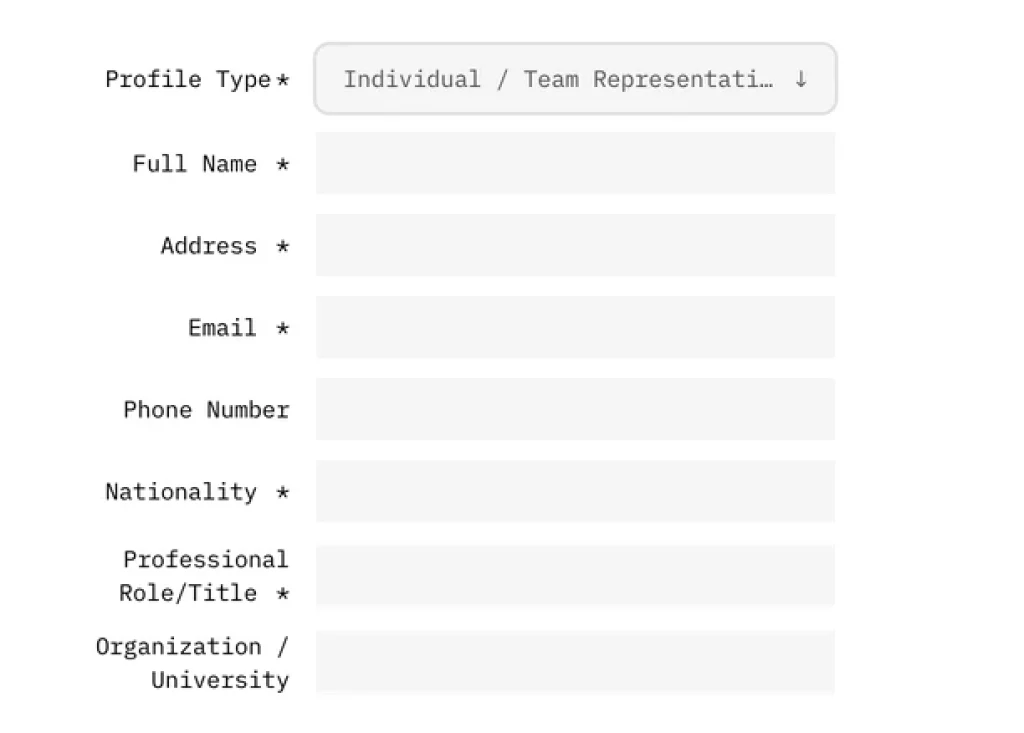
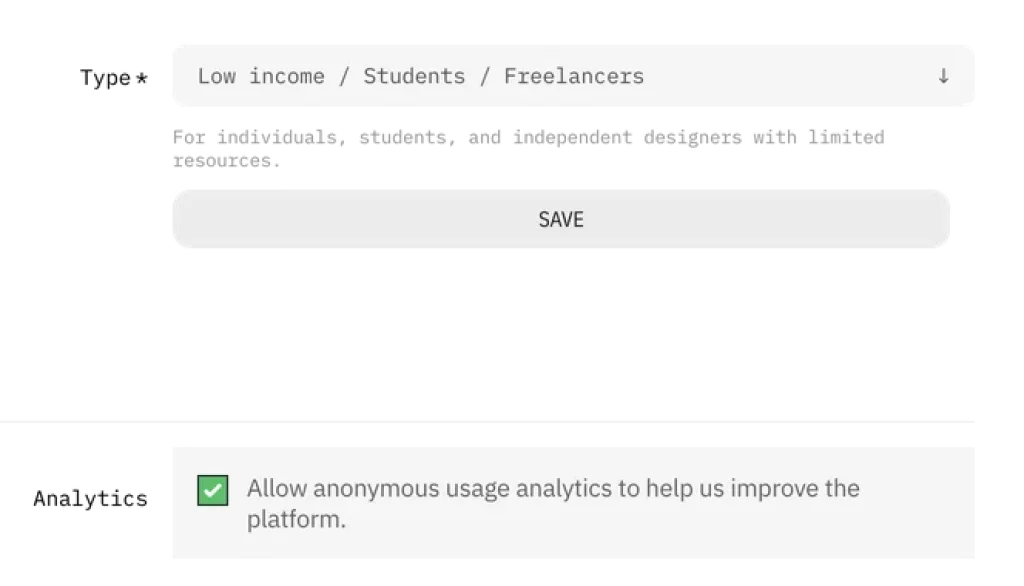
Who is entering – an individual, a team, or an organisation – plus your contact details and your fee tier: students and freelancers, small and medium companies, or large companies. Asked once, before your first entry, and it decides what you pay.
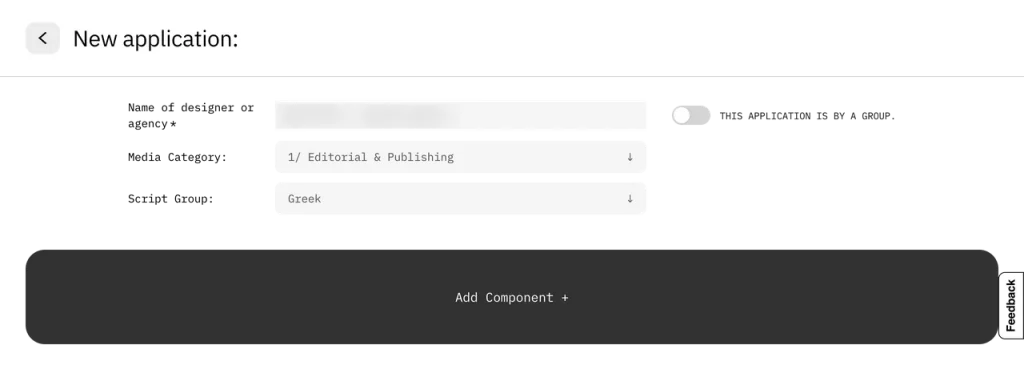
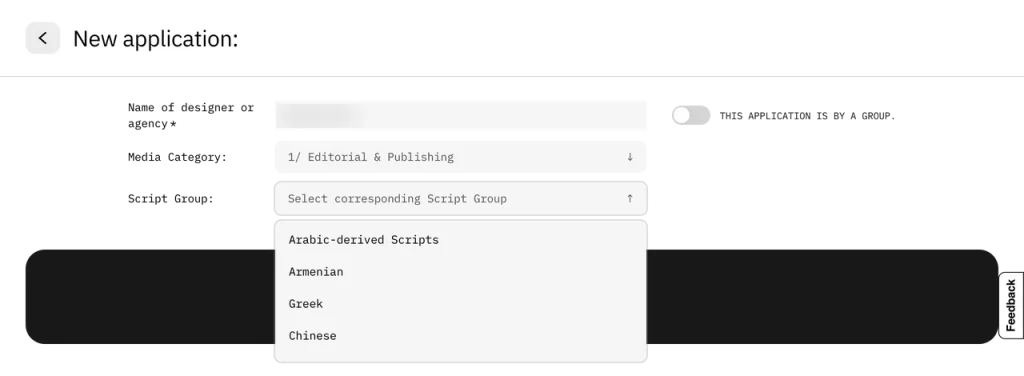
One of nine media categories, your Script Group, up to ten components with up to five files each, a project description and a short designer biography of up to 1,000 characters. Everything saves as you go, so you can leave and come back.
Preview your entry exactly as the jury will see it – every component, in the order you set. Change anything, as often as you like; nothing is final yet.
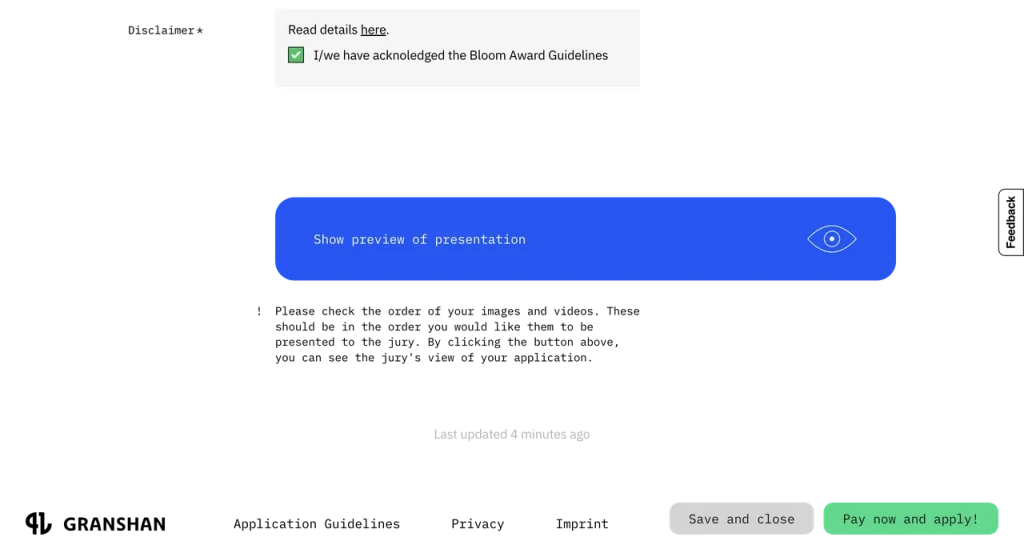
Pay via Stripe. Available payment methods are shown at checkout and depend on your country, currency and device. The fee follows your category and fee tier – from €15 including VAT – and each entry is paid for on its own, apart from the one additional entry free of charge for entries submitted before 27 October 2026. Paying is what submits the entry.
All entries to the GRANSHAN Bloom Award are submitted through our dedicated submission tool, developed in collaboration with [Yes][No][Maybe] App, our platform partner and a specialist for competition platforms. This system allows you to upload your work in the required digital formats and guides you step-by-step through the process. Your entry saves as you go, so you can revise and update it as often as you like until you pay – feel free to start early and refine as you go. Paying the participation fee is what submits the entry; once paid, it is locked and can no longer be edited or cancelled. Entries submitted before 27 October 2026 can be revised or completed free of charge until 22 December 2026.
For physical or printed works, high-quality digital documentation is essential – photographs, scans, or video recordings that present the work clearly. For example, a magazine can be uploaded both as a browsable PDF and as a short video flipping through the pages, alongside individual high-resolution page images to show typographic detail.
The submission tool is designed to collect not only your project files but also the information needed for jury evaluation and, in the case of an award, for immediate use in our online exhibition, printed catalogue, and physical displays. You will be asked to provide:
All materials should be prepared so that, if your work is awarded, they can be used without further editing for digital projection, large-format printing, or online presentation. The same platform will also be used by the jury to review and evaluate your work in the first round of judging. Please note: an entry will only be forwarded to the jury once the participation fee has been paid.
To ensure a fair evaluation, all projects are presented to the jury anonymously. Descriptive texts provided in the entry form will accompany the work, but must not include any information that reveals the entrant’s identity. Whenever possible, submissions should include animated or motion-based material (video, GIF, or equivalent) so that the jury can experience the work in its intended dynamic form.
Write the project description and the designer biography about the work itself – the jury reads both. Once paid, an entry is locked: it can’t be edited or cancelled, and any further entry is a new one. Entries submitted before 27 October 2026 can be revised or completed free of charge until 22 December 2026.
The info page has everything here in full – fees, categories, deadlines and the fine print. Read the full submission info
Trouble registering or paying? support@granshan.com. Anything else? granshan@granshan.com